~/swaydesk/components/app-grid

← All components

App grid

App grid

App grid
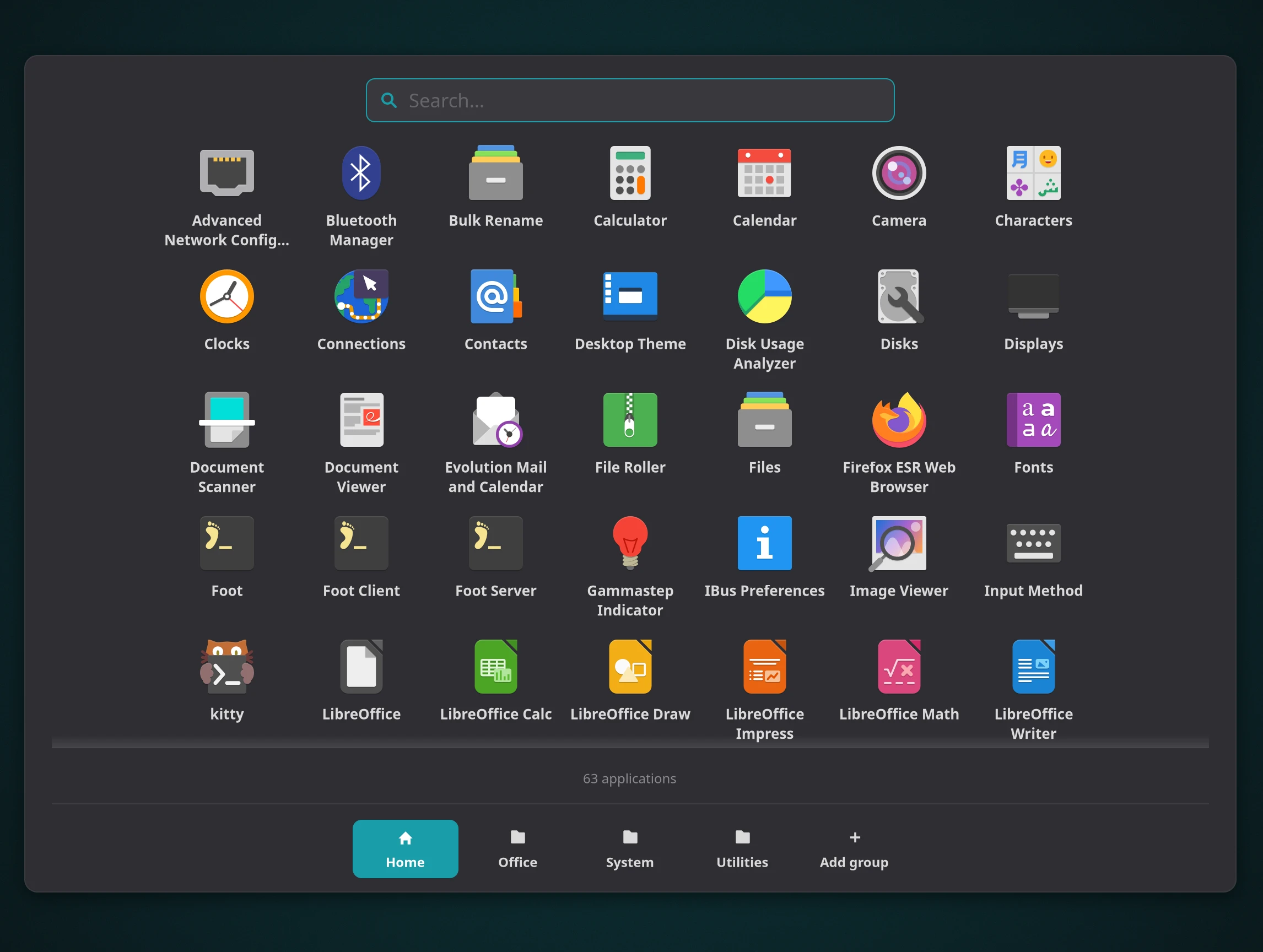
The grid on Home, with the groups below
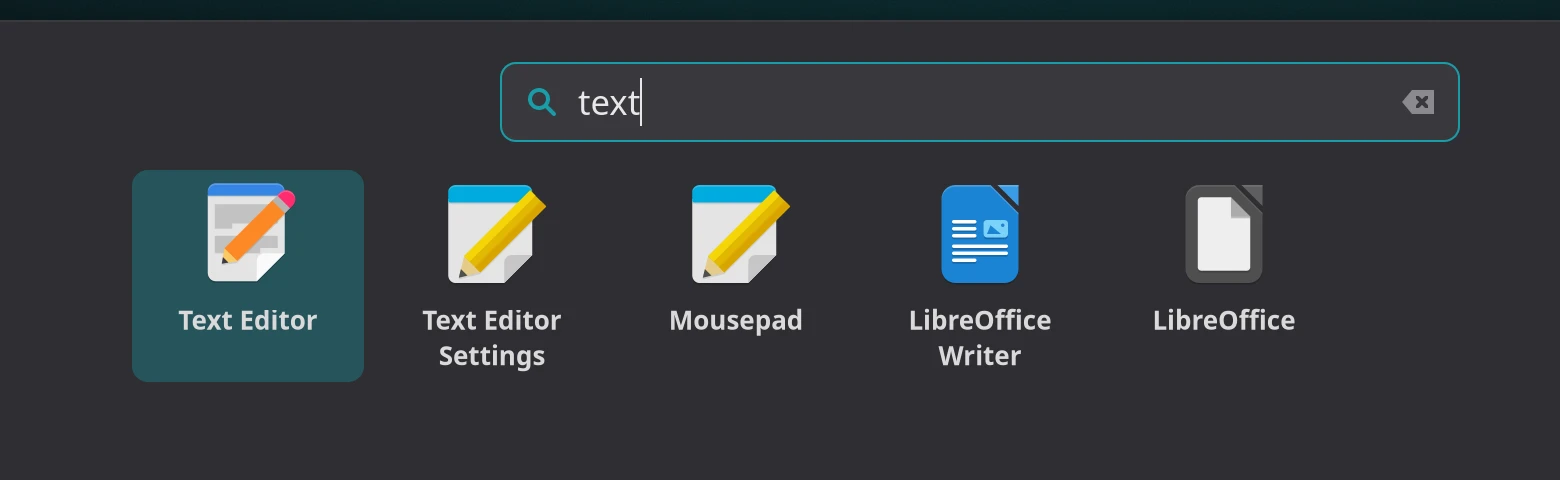
A search: matching files and folders show under the grid
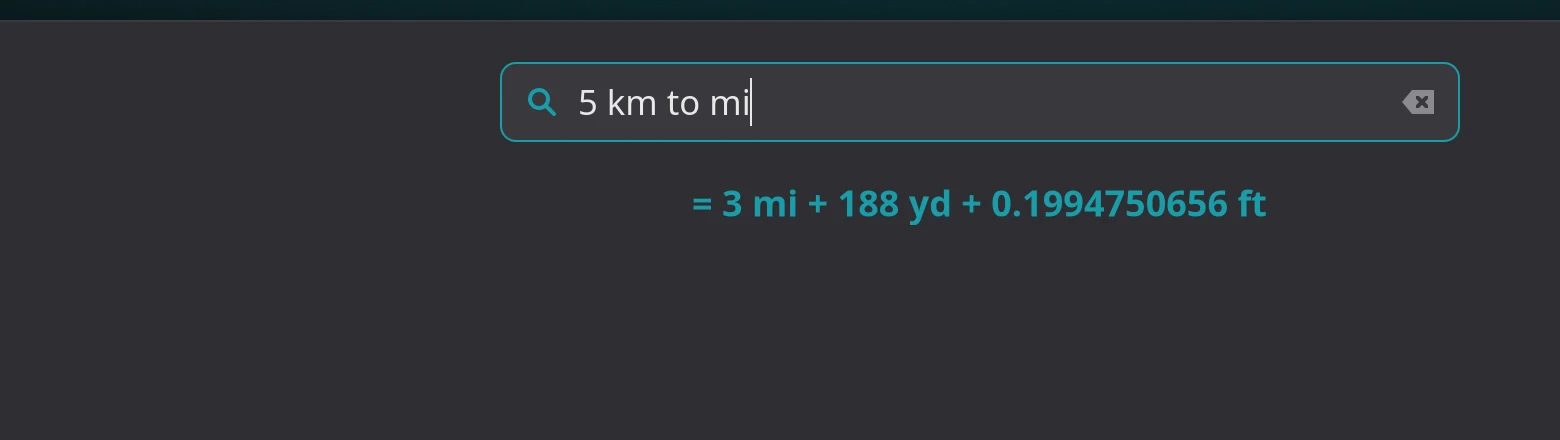
A sum or a unit conversion, answered as you type

Every installed app, with search, groups and favorites. The search also finds files, does math and converts units.

  • Opens on Super alone; Super combos and Super+drag don’t open it.
  • Type to search by name, keywords or description; with several words, all must match.
  • Enter opens the first result; the arrow keys move through the results.
  • Found files list under the grid: a folder opens in the file manager, a file in its default app.
  • Click a calculation’s result to copy it; conversions like 5 km to mi use qalc, which swaydesk-desktop brings.
  • Groups at the bottom, with Add group for your own; Ctrl+PageUp/PageDown switches between them.
  • Right click an app to add it to the favorites row, pin it to the dock or set its groups.
  • Terminal apps open in kitty when kitty is installed.
  • Esc clears the search, then closes the grid; a click outside closes it too.

Rust + GTK 4 · source · More in the guide · turn off: [enabled] app_grid = false

Install it alone

Only this component, without the full session. First add the Swaydesk repository, as on the page Install.

Debian 13

sudo apt install swaydesk-drawer

Ubuntu 26.04 · Mint 27

sudo apt install swaydesk-drawer

Arch Linux

sudo pacman -Syu swaydesk-drawer xdg-user-dirs libnotify

pacman doesn't install optional dependencies, so the line already has the ones apt installs by itself.

Optional: thunar

Start it on plain Sway

In ~/.config/sway/config:

include /usr/share/swaydesk/sway/config.d/50-swaydesk-drawer.conf

Super+Shift+D opens and closes the grid; Super+D stays your launcher.

It runs as a systemd user unit, restarted if it crashes, and does nothing inside the Swaydesk session. Put the include after your config's set $mod. Without a systemd user session, use the exec line in the file's last comment instead.

Shortcuts

Super

Those of the Swaydesk profile, the default. The other profiles are in Shortcuts.