

Displays
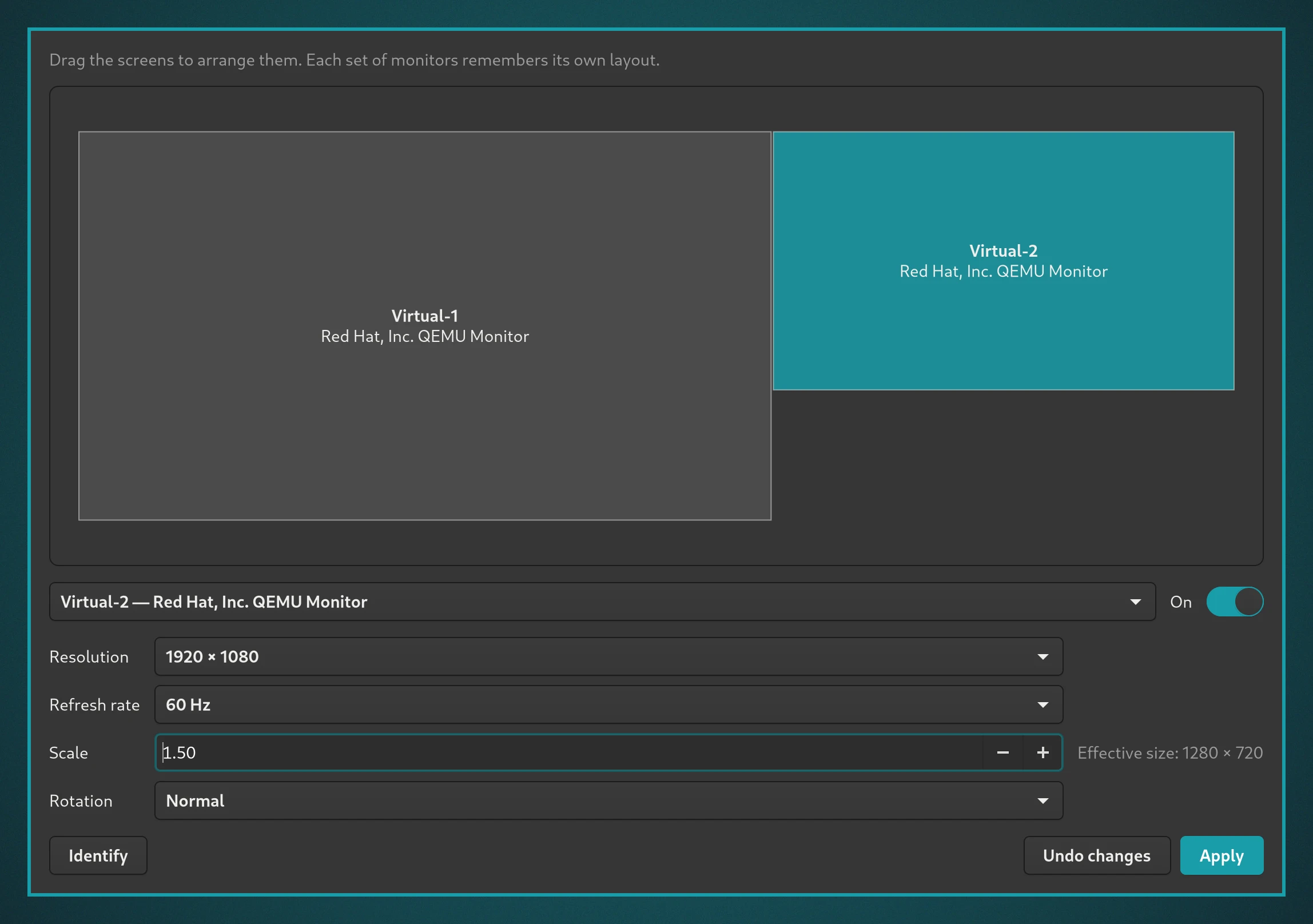
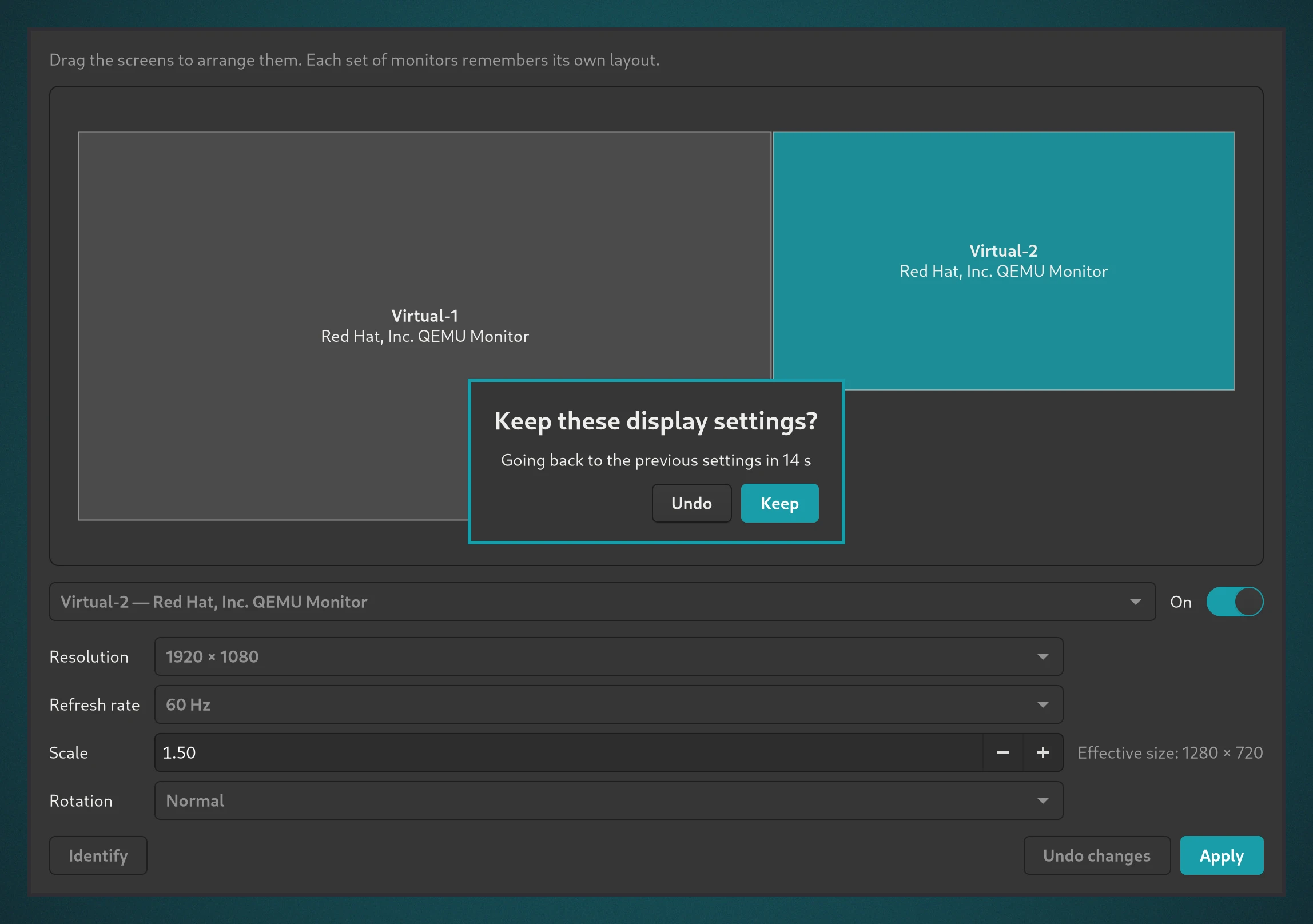
Your screens on a map, to drag around, with each one’s resolution, refresh rate, scale and rotation, and whether it’s on. A change undoes itself after 15 seconds unless you keep it. Each set of monitors keeps its own layout, applied when you plug or unplug a screen, and the laptop screen turns off with the lid closed and an external monitor on. The key turns off only these automatic profiles; the app stays.
- Drag the screens on the map to arrange them; their edges snap together.
- For each screen: On, Resolution, Refresh rate, Scale and Rotation, flipped modes included.
- Fractional scale from 0.5 to 4 in 0.05 steps, with the Effective size it gives.
- Identify shows each screen’s name on that screen.
- Apply asks Keep these display settings? with a 15-second countdown; with no answer, it goes back.
- Keep saves the layout for that set of monitors, recognized by make, model and serial, not port.
- A background service applies the saved layout when you plug or unplug a screen, or Sway reloads.
- Closing the lid with an external screen on turns the laptop screen off; opening it applies the layout again.
- It won’t turn every screen off: At least one screen must stay on.
- A layout left unanswered, because the app was killed or the session ended, is undone at login, when a screen is plugged or unplugged and on a Sway reload.
It’s also in Settings, as the Displays panel: the same page, without another window.