

Login screen
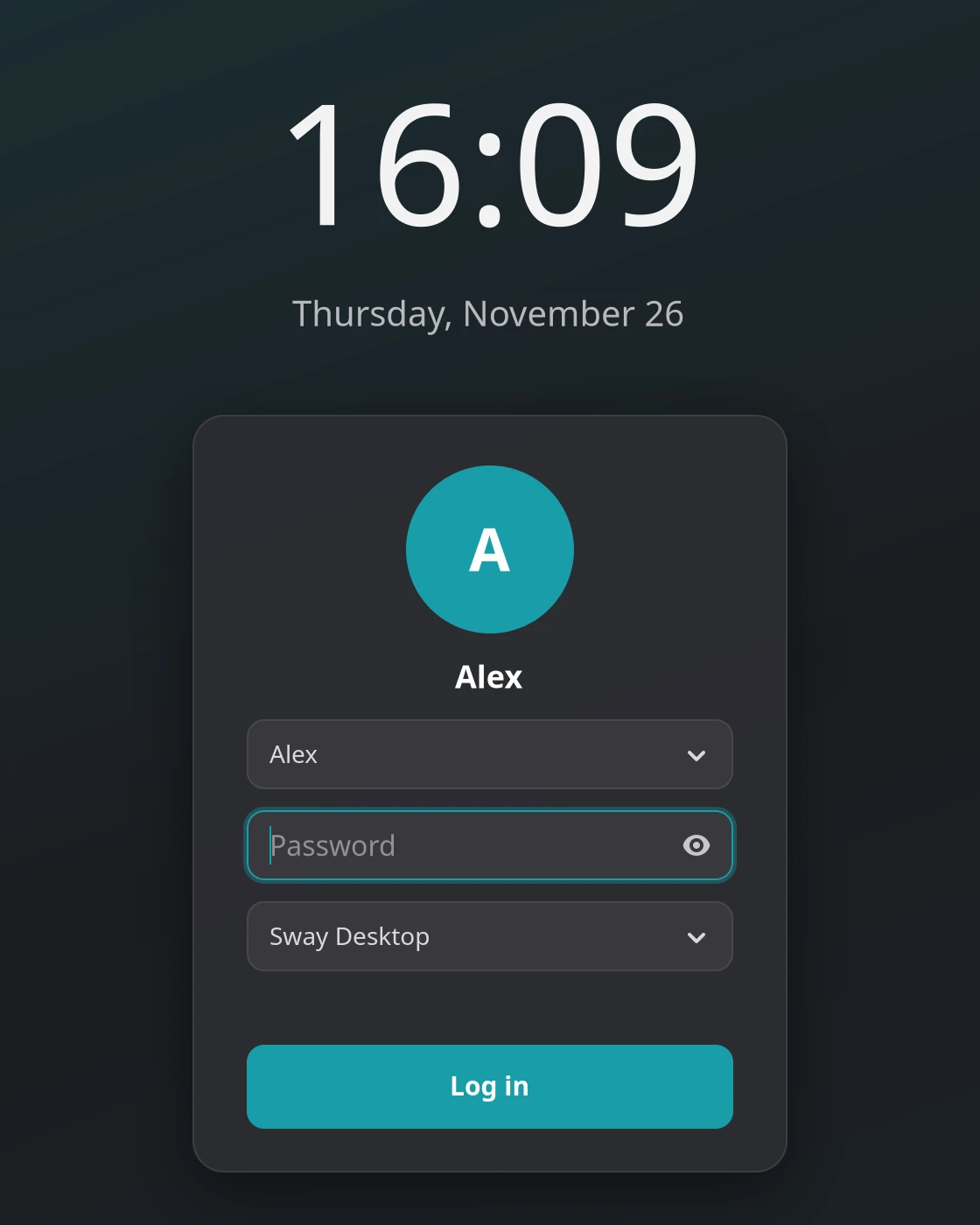
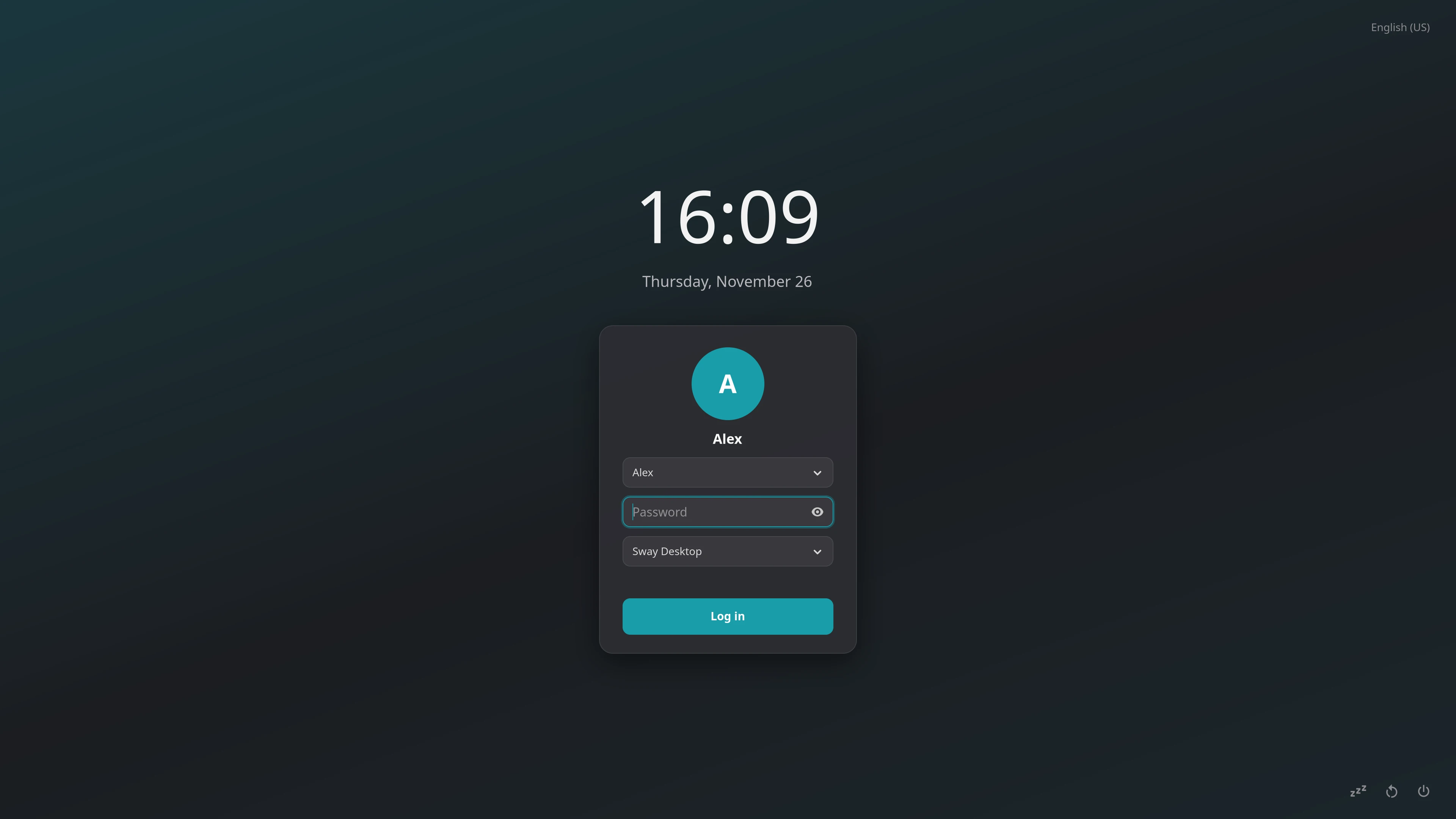
A login screen on top of greetd, with the same look as the lock screen, on every supported distro, Arch included. It unlocks the keyring with your login password. The login screen you already use works too; without one, as on a minimal or server install, this is what gives you a graphical login.
- Pick your account from a list with photos or initials; Other user… lets you type a user name.
- It remembers the last account and the session each account used.
- A session list from the installed Wayland sessions, with Swaydesk’s first.
- Any failed login shakes the field and shows the reason, such as Wrong password.
- Warns when Caps Lock is on.
- Extra steps the system asks for, such as a code or a new password, come one at a time.
- Uses the system’s language and keyboard; a corner button shows the layout, and a click switches it.
- Suspend, Restart and Shut down buttons at the bottom right.
- Clock and date on every monitor; the form card is on one monitor, the top-left one.
- Once an account is selected, the screen takes the accent color that user picked in Desktop Theme (with
accountsservice); without it, or for “Other user…”, it keeps the color in/etc/swaydesk-greeter/config.toml.