~/swaydesk/components/help

← All components

Help

Help

Help
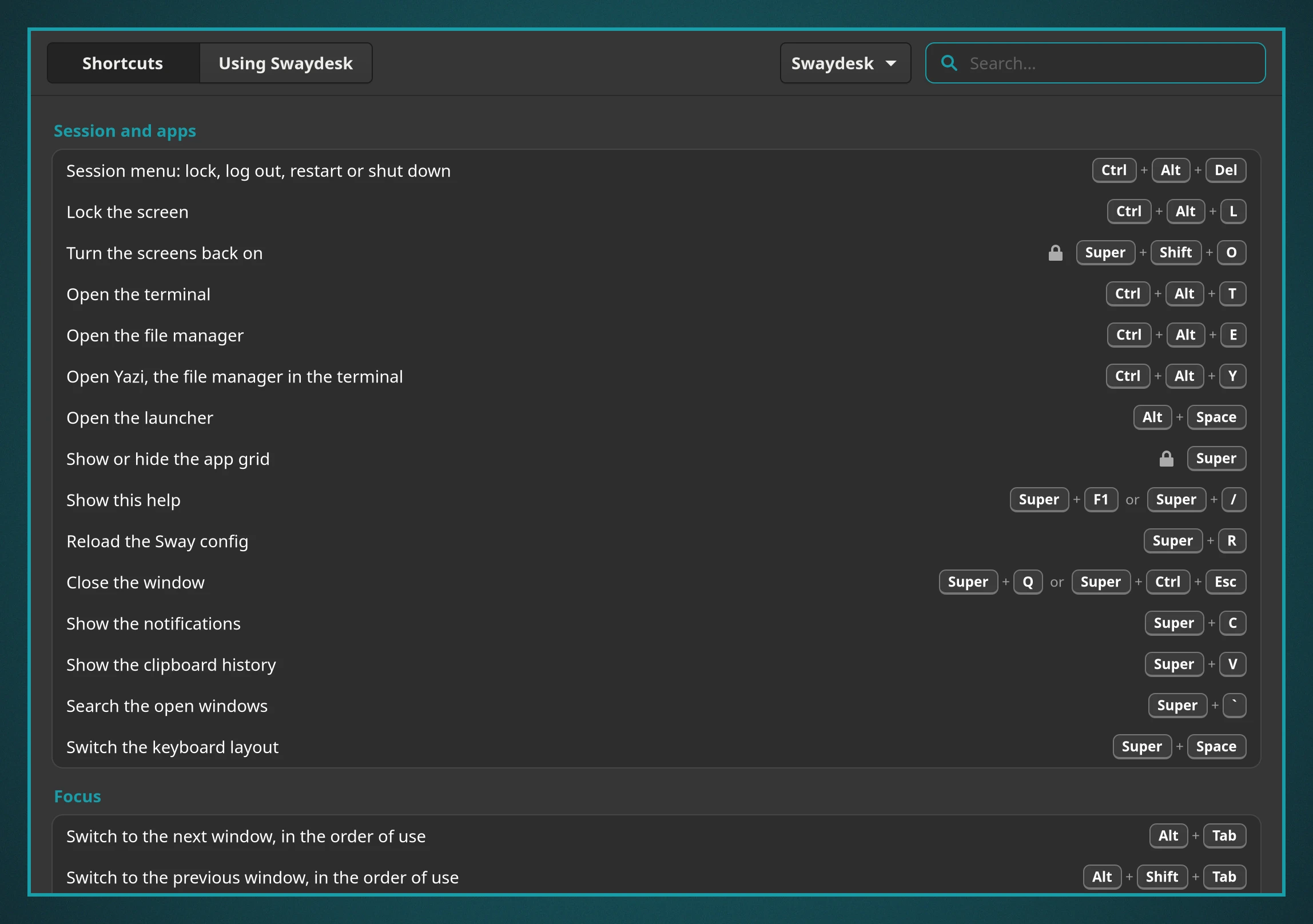
The Shortcuts tab, by section
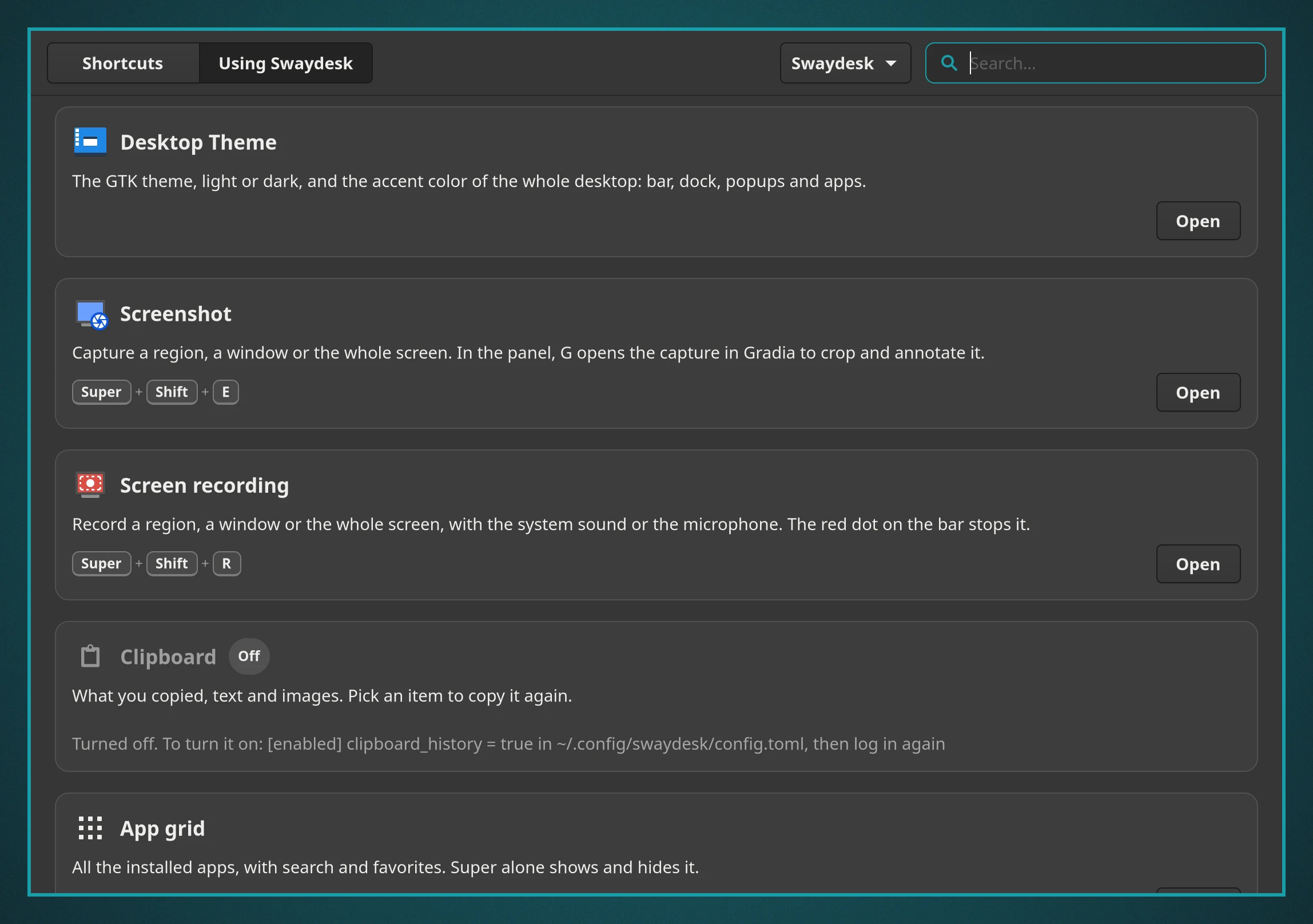
The Using Swaydesk tab, with a component turned off and how to turn it on

The shortcuts of the profile in use, with search, read from the Sway configuration itself, and a card for each part of the desktop, with its shortcut and a button that opens it. It’s also where you switch the shortcut profile and open your 50-local.conf to edit it.

  • Pressing its shortcut again closes it.
  • Two tabs, Shortcuts and Using Swaydesk; Ctrl+Tab or Ctrl+Page Up/Page Down switch between them.
  • Typing searches both tabs, ignoring case and accents; Esc clears the search, then closes.
  • Shortcuts come grouped by section, with the keys drawn as keycaps and a lock on those that work while locked.
  • Shortcut profile, shown when more than one is installed, switches profiles after asking Switch to the i3 profile?.
  • Choosing dwm explains that Alt becomes the modifier and which shortcuts move.
  • Using Swaydesk has a card for the theme, capture, recording, clipboard, grid, dock, switcher, notifications, lock, night light and displays.
  • Each card shows its current shortcut, or No shortcut, and an Open button; the lock screen’s reads Lock now.
  • A part turned off in [enabled] shows Off and how to turn it back on.

Rust + GTK 4 · source · More in the guide

Install it alone

Only this component, without the full session. First add the Swaydesk repository, as on the page Install.

Debian 13

sudo apt install swaydesk-help

Ubuntu 26.04 · Mint 27

sudo apt install swaydesk-help

Arch Linux

sudo pacman -Syu swaydesk-help swaydesk-lock

pacman doesn't install optional dependencies, so the line already has the ones apt installs by itself.

Start it on plain Sway

In ~/.config/sway/config:

bindsym $mod+F1 exec swaydesk-help

It also opens from your launcher. It lists the bindings of your own config: a ## description comment above one gives its text, ### Name groups them, and the rest show their command. The shortcut profiles belong to the Swaydesk session: on your own config, don’t use its profile switch.

Shortcuts

Super+F1; Super+/

Those of the Swaydesk profile, the default. The other profiles are in Shortcuts.