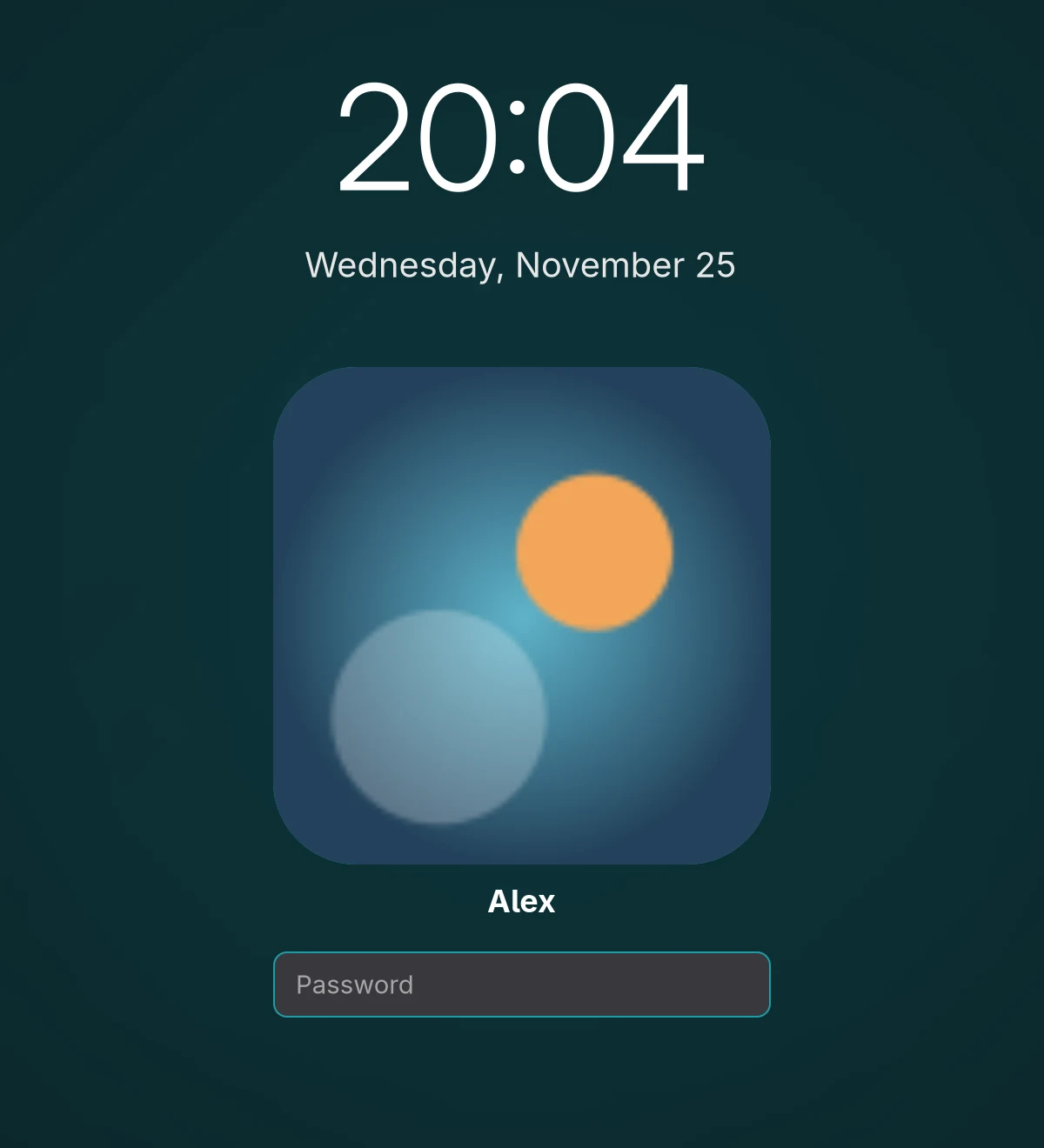
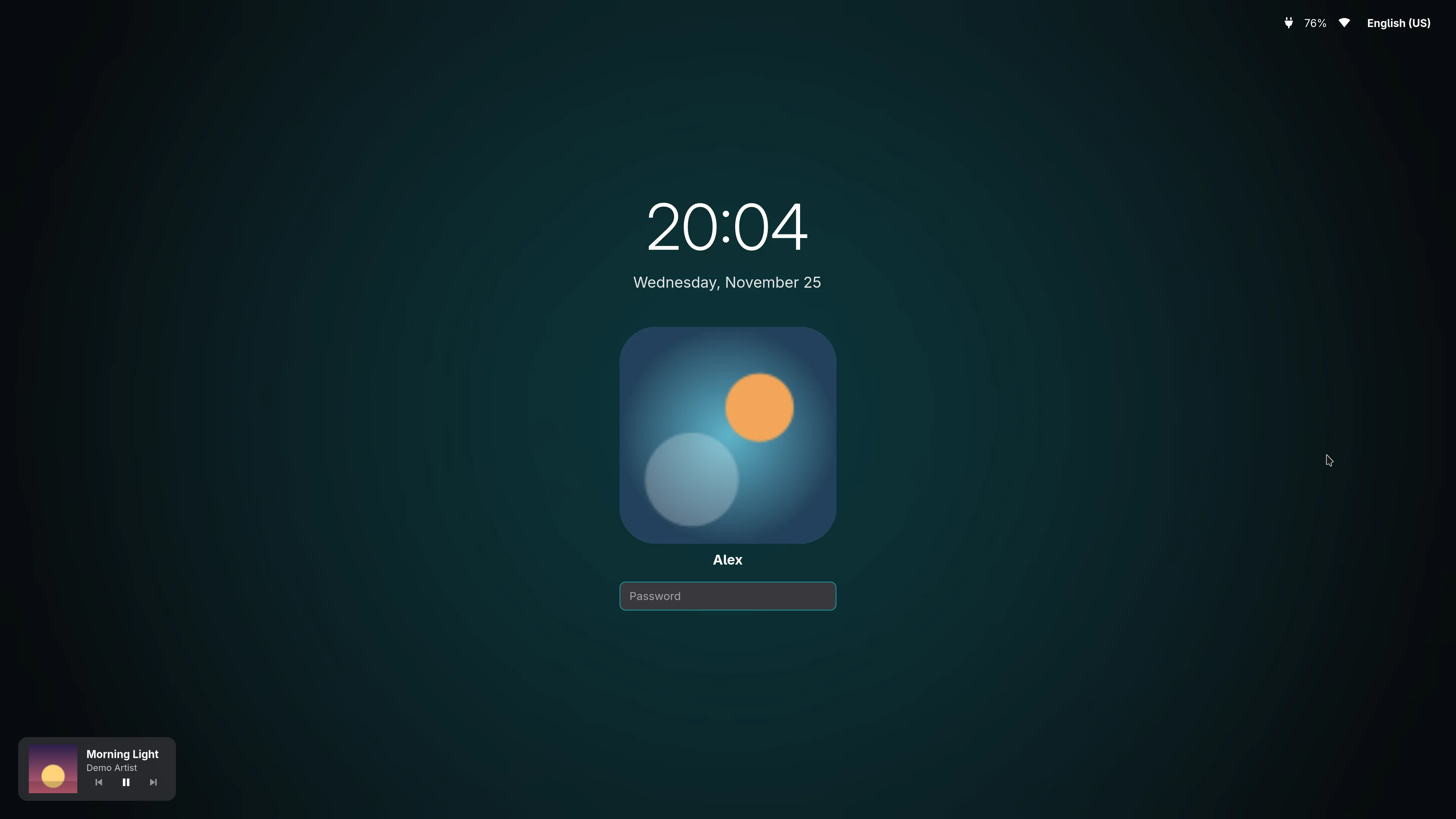
The time, photo and password field, up closeThe whole locked screen, with battery, Wi-Fi and keyboard layout in the corner and the player below
Time, date and the password field on every monitor, over the blurred wallpaper. On Debian 13, whose gtk4-layer-shell is older than 1.2, the same lock screen runs in its GTK 3 version.
Locks with Ctrl+Alt+L, after 10 minutes idle, and before the computer sleeps.
Your photo, or your initials, and your name under the time and date.
Warns when Caps Lock is on.
A wrong password shakes the field; after 3 in a row, a 5-second wait with a countdown.
Battery, network and keyboard layout in the top right of the main monitor; a click switches the layout.
A media card at the bottom left, with the cover, title, artist and play controls.
Volume, brightness and media keys work while locked; Super+Shift+O turns the screens back on.
If the lock crashes, the screen stays locked and a fallback lock takes over.
Only this component, without the full session. First add the Swaydesk repository, as on the page Install.
Debian 13
sudo apt install swaydesk-lock
Ubuntu 26.04 · Mint 27
sudo apt install swaydesk-lock
Arch Linux
sudo pacman -Syu swaydesk-lock swayidle libnotify
pacman doesn't install optional dependencies, so the line already has the ones apt installs by itself.
Start it on plain Sway
In ~/.config/sway/config:
include /usr/share/swaydesk/sway/config.d/50-swaydesk-lock.conf
It adds Ctrl+Alt+L and locks after 10 minutes idle and before the computer sleeps, through swayidle, which comes with the lock. If your config already starts swayidle, keep only one: add timeout 600 'swaydesk-lock' before-sleep 'swaydesk-lock' to your own line (with -w, so it locks before the computer sleeps) and, instead of the include, add just the shortcut, bindsym Ctrl+Alt+l exec swaydesk-lock.
Shortcuts
Ctrl+Alt+L; on its own after 10 minutes
Those of the Swaydesk profile, the default. The other profiles are in Shortcuts.