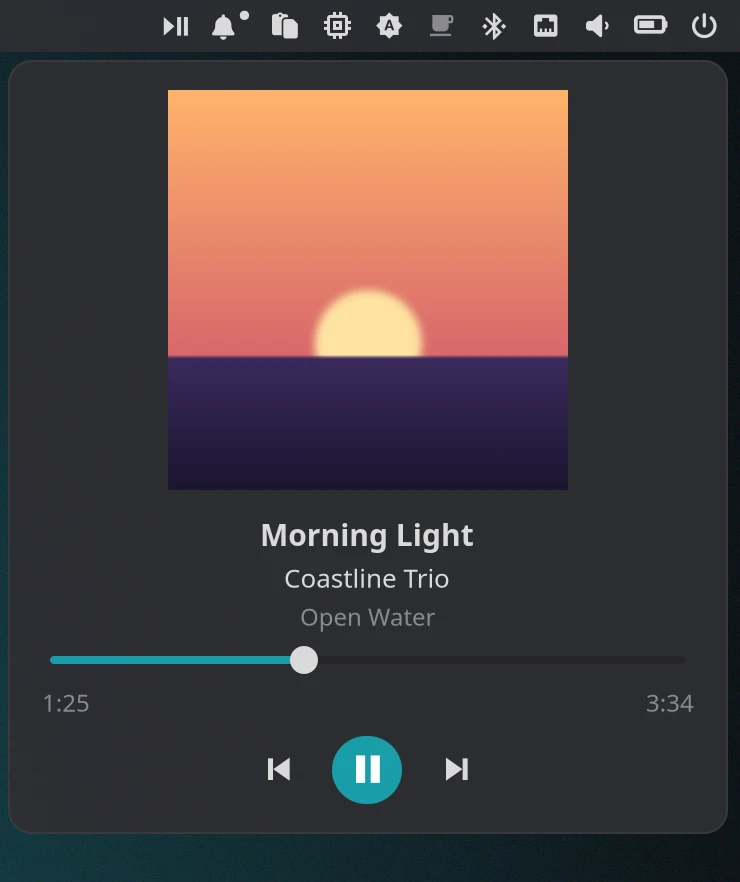
Only this component, without the full session. First add the Swaydesk repository, as on the page Install.
Debian 13
sudo apt install swaydesk-media
Ubuntu 26.04 · Mint 27
sudo apt install swaydesk-media
Arch Linux
sudo pacman -Syu swaydesk-media playerctl
pacman doesn't install optional dependencies, so the line already has the ones apt installs by itself.
Start it on plain Sway
It starts from its Waybar module, below.
In Waybar
In ~/.config/waybar/config.jsonc, add "custom/swaydesk-media" to modules-left, modules-center or modules-right, and paste the module from this file next to your other modules:
/usr/share/swaydesk/waybar/swaydesk-media.jsonc
The file's first lines say what each click does. The icons come from the Symbols Nerd Font, which the package brings.
Shortcuts
Click the media icon (only there while something plays)
Those of the Swaydesk profile, the default. The other profiles are in Shortcuts.