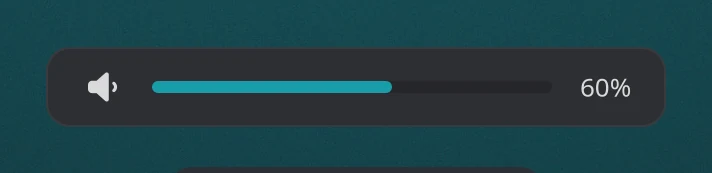
Only this component, without the full session. First add the Swaydesk repository, as on the page Install.
Debian 13
sudo apt install swaydesk-osd
Ubuntu 26.04 · Mint 27
sudo apt install swaydesk-osd
Arch Linux
sudo pacman -Syu swaydesk-osd
Start it on plain Sway
In ~/.config/sway/config:
include /usr/share/swaydesk/sway/config.d/50-swaydesk-osd.conf
The volume and brightness keys change the level and show it, also on the lock screen. They replace earlier bindings of the same keys, so include the file after those; a binding of yours after the include wins.
It runs as a systemd user unit, restarted if it crashes, and does nothing inside the Swaydesk session. Put the include after your config's set $mod. Without a systemd user session, use the exec line in the file's last comment instead.
Shortcuts
Volume and brightness keys
Those of the Swaydesk profile, the default. The other profiles are in Shortcuts.