

Screenshot
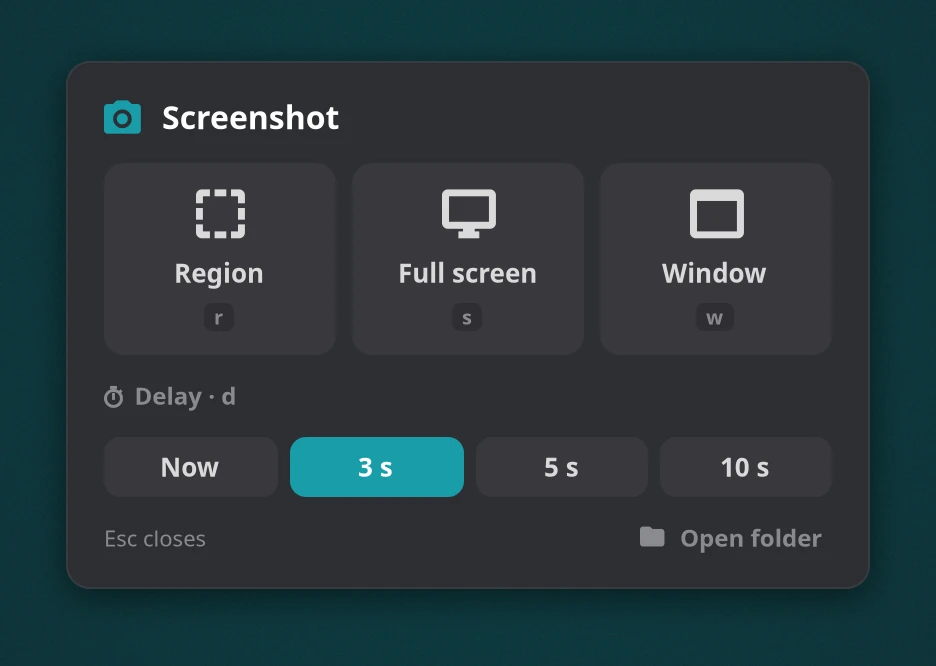

A region, the whole screen or a window, with a delay. It goes to the clipboard and to ~/Pictures/Screenshots; with Gradia, it opens for editing.
Super+Shift+Eopens the screenshot panel: Region (r), Full screen (s) or Window (w).- Delay (
d): now, 3, 5 or 10 seconds, for that capture only. - Without the panel:
Printtakes a region,Shift+Printthe screen,Super+Printthe focused window. - With Gradia installed, Open in Gradia (
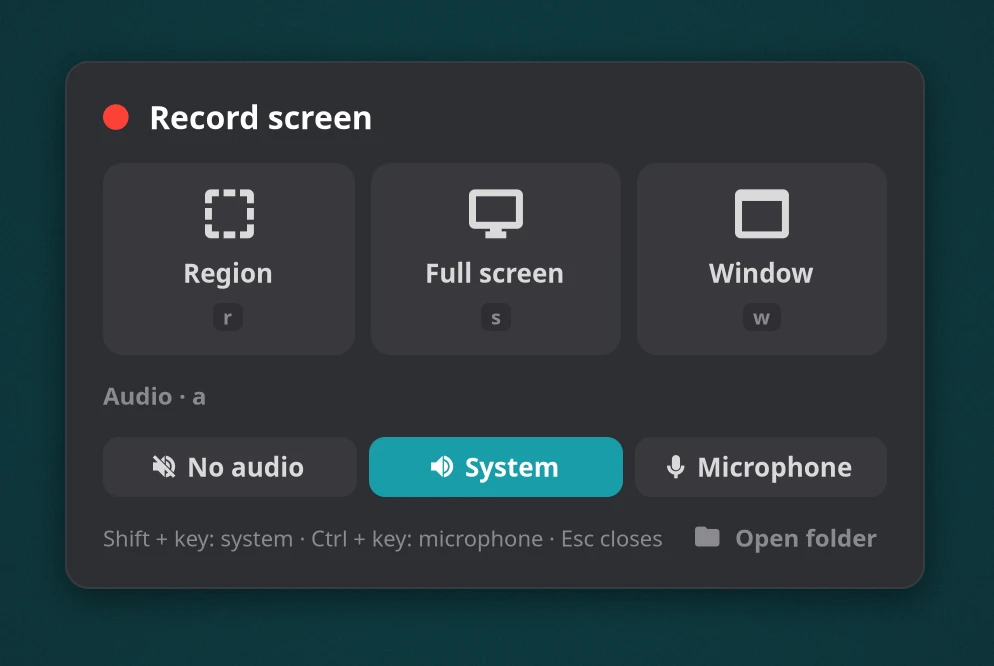
g), orCtrlwith those keys, opens the screenshot for editing. Super+Shift+Ropens the recording panel (needs wf-recorder), with System, Microphone or No audio (a).- In the recording panel,
Shift+ key records with the system sound,Ctrl+ key with the microphone. - While recording, the bar shows a timer; click it or press
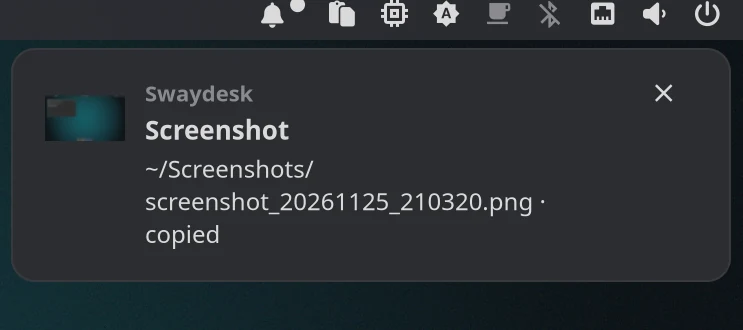
Super+Shift+Rto stop. - Notices come from Swaydesk; the Screenshot one shows a thumbnail and whether it was copied (needs wl-clipboard).
- Clicking the Screenshot or Recording saved notice, or its center entry, opens the file in its default app, if any.
- One capture at a time: a second
Printwhile you are still selecting an area does nothing, and the recording key during a recording only shows a notice.