

Settings
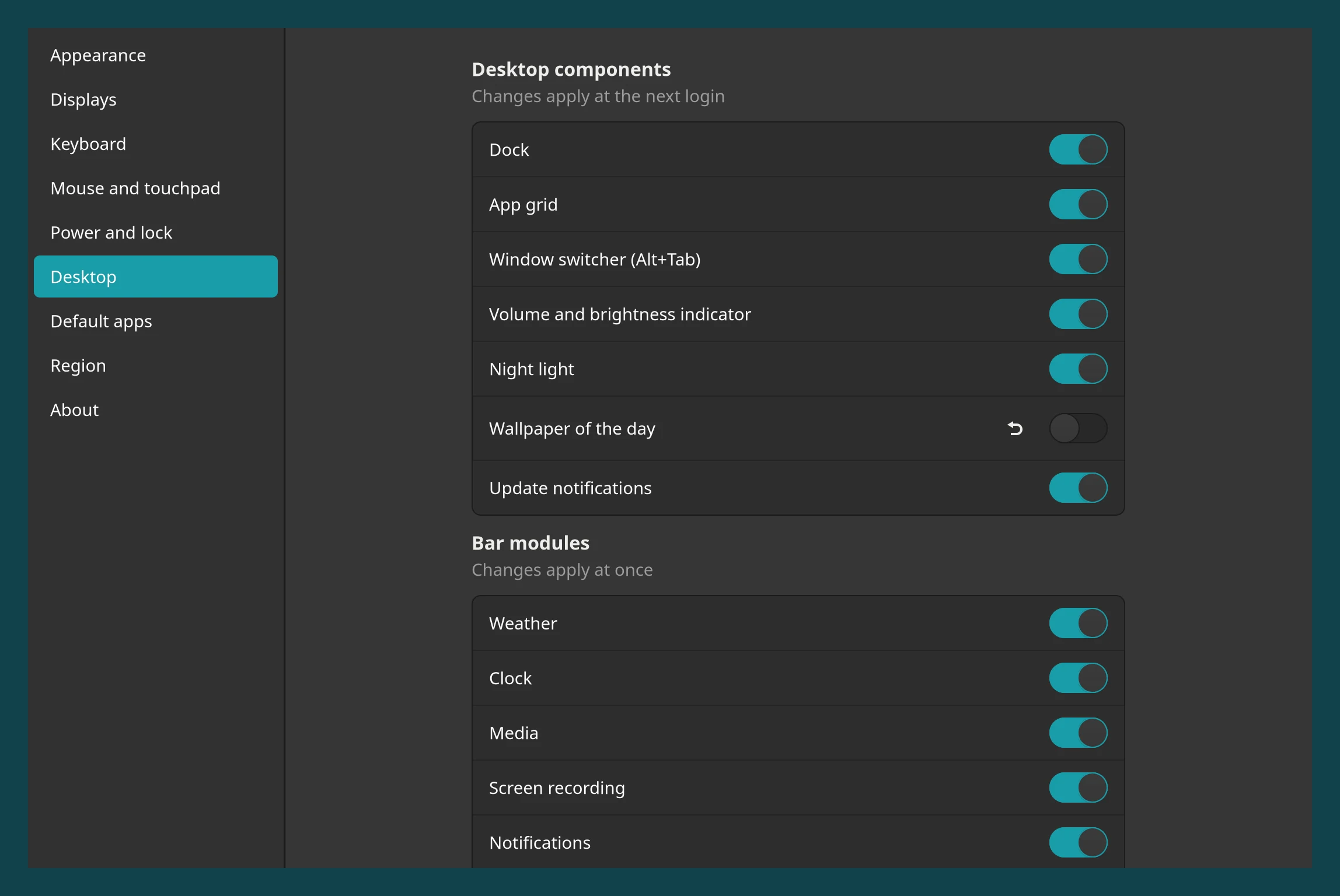
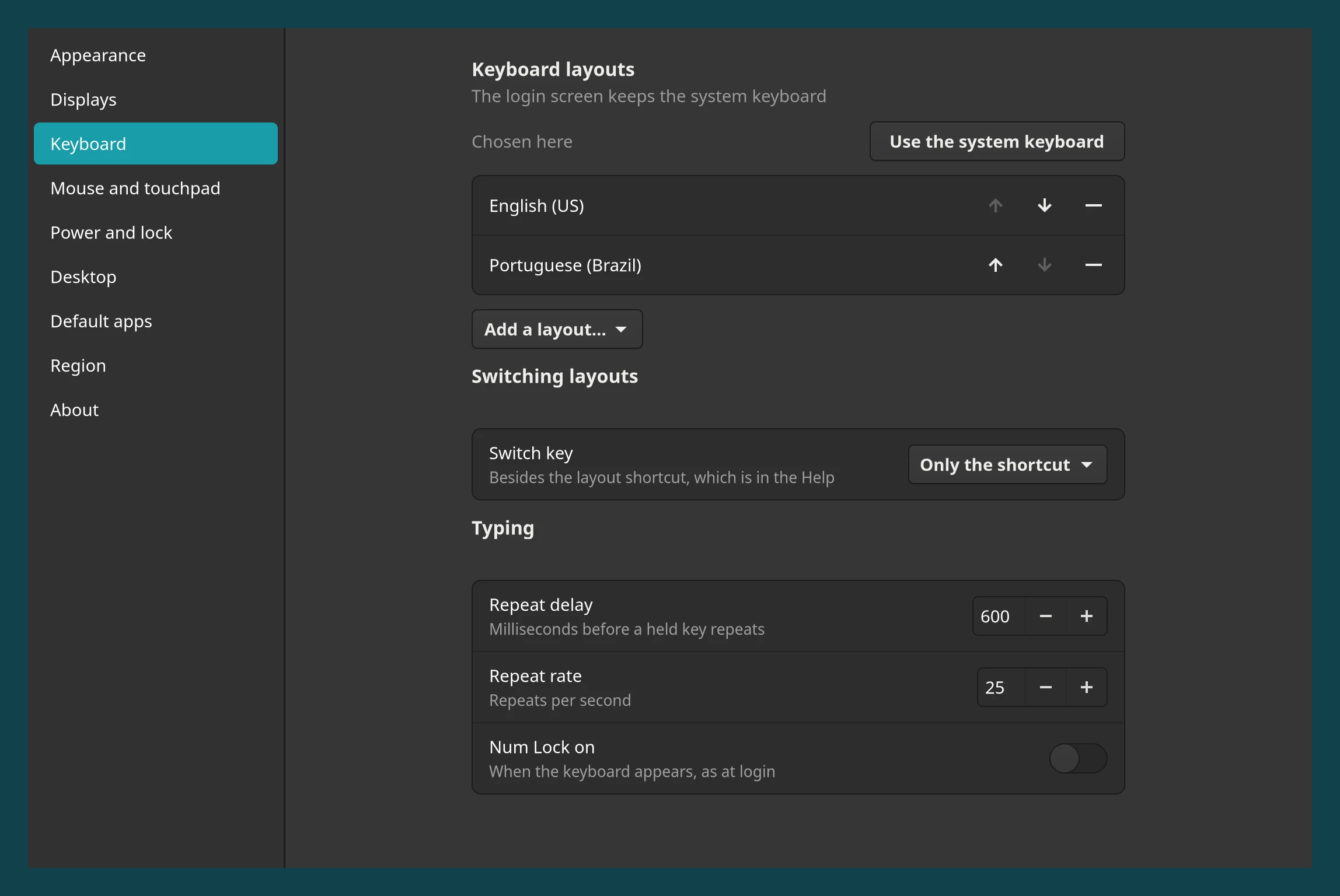
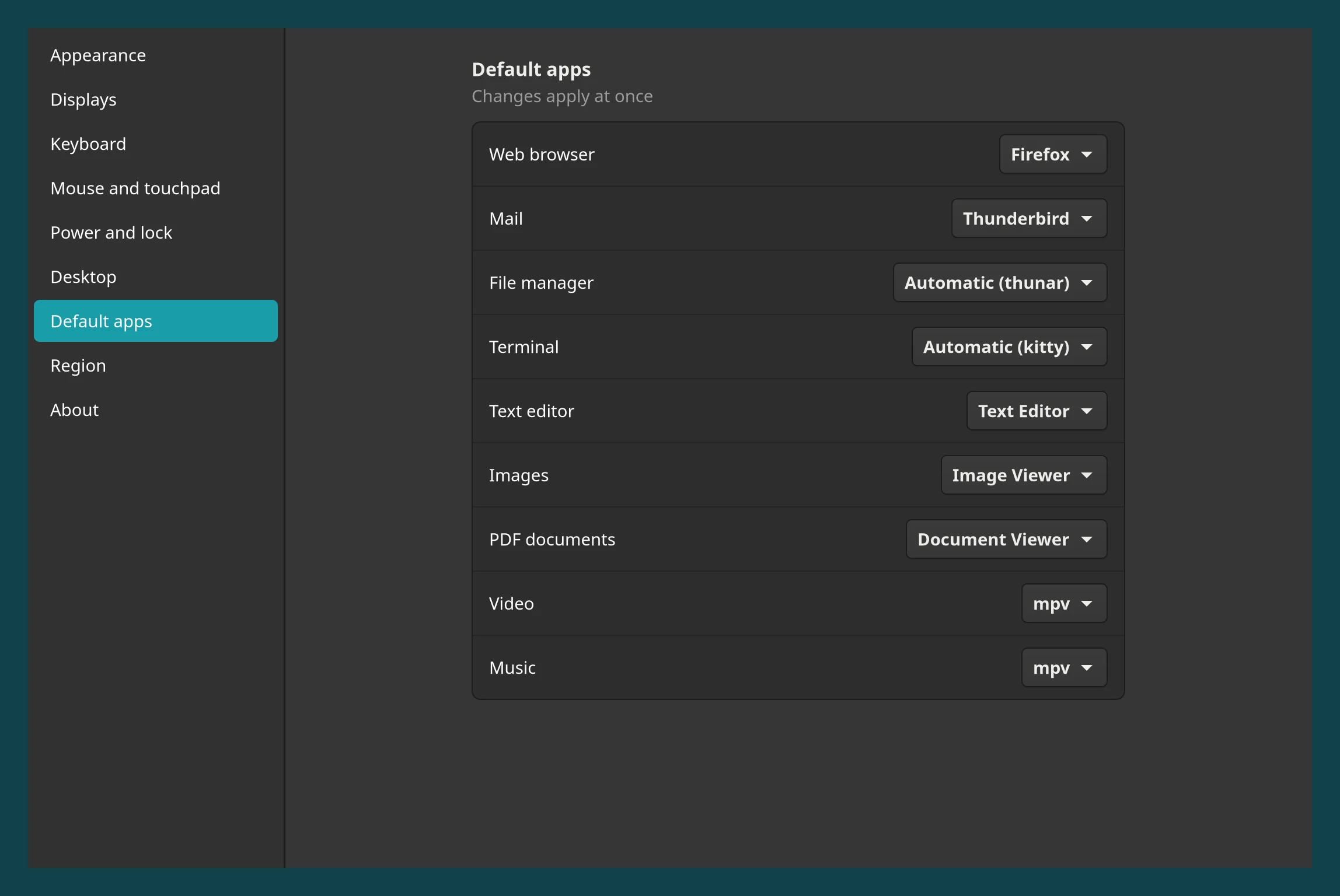
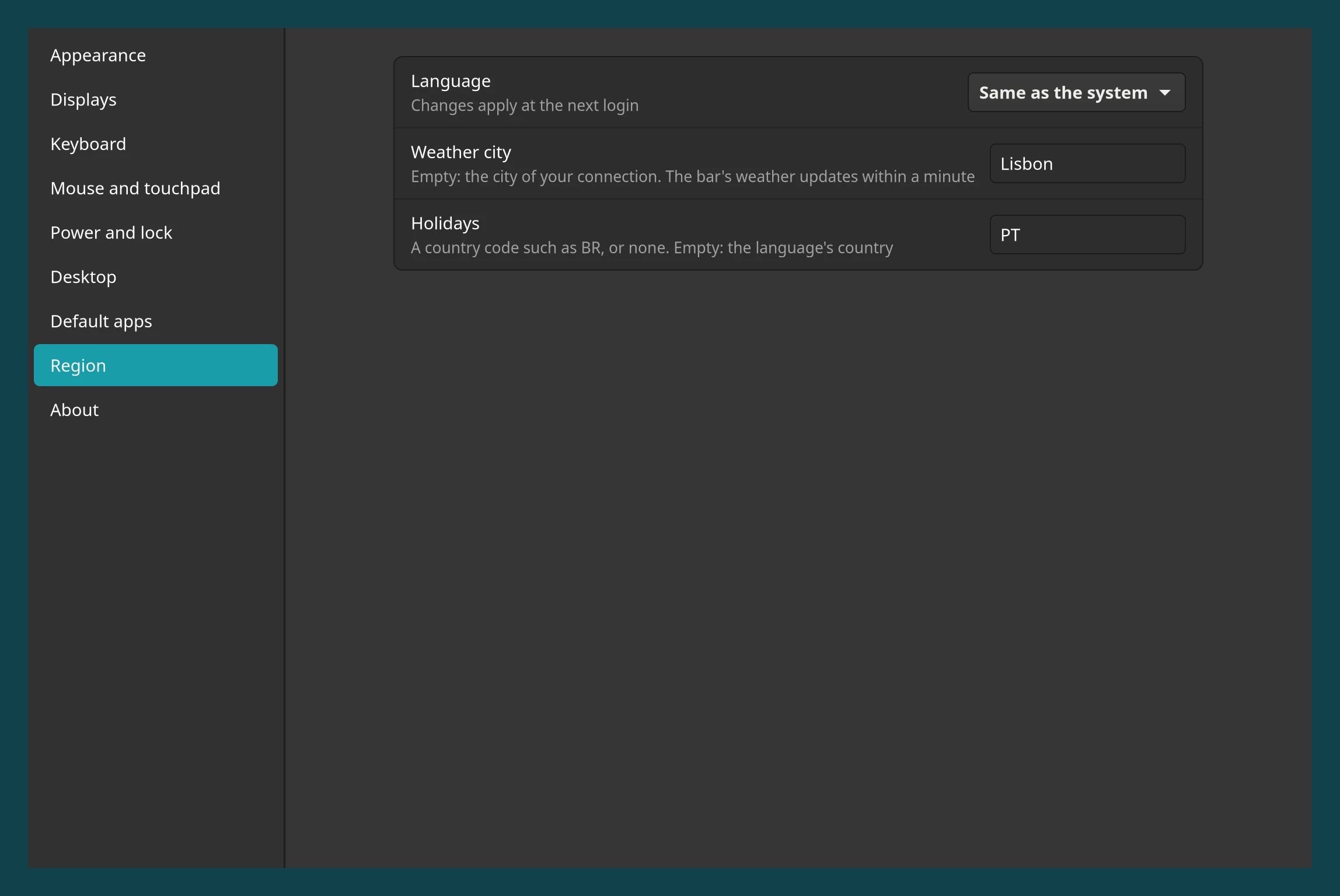
One window with a panel for each part of the desktop in a sidebar: Appearance, Displays, Keyboard, Mouse and touchpad, Power and lock, Desktop, Default apps, Region and About. Each panel writes only its own keys, in the same files you’d edit by hand, and keeps your comments.
- Appearance and Displays are the pages of the Desktop Theme and Displays apps, which stay apps of their own, each with its own package; each panel shows up only with its app installed.
- Keyboard: the layouts and their order, the Switch key, the repeat delay and rate, and Num Lock on at login; Use the system keyboard goes back to the keyboard set at install. The login screen always uses the system one.
- Mouse and touchpad: the speed, Natural scrolling and Left-handed; with a touchpad, also Tap to click and Disable while typing. It shows the values Sway applies now.
- Keyboard and mouse changes apply at once and go into
~/.config/sway/config.d/80-input.conf, which comes after50-local.confand wins over it. - Power and lock: how long before the screen locks, turns off and the computer suspends (on battery), from Never to 60 minutes, applied at once; with
power-profiles-daemon, also the Power profile. - Desktop turns the session’s components and the bar’s modules on and off, picks the Shortcut profile and says whether each change applies at once or at the next login; it shows what comes from
/etc/swaydesk/config.tomland what isn’t installed. - Default apps: the browser, mail, text editor, images, PDF, video and music in your
~/.config/mimeapps.list, and the file manager and terminal inconfig.toml; the system default is shown and never overwritten. - Region: the language (at the next login), the weather city and the holidays country; an empty field goes back to automatic.
- About: the distribution, kernel, Sway, processor, memory, graphics and disk, with Copy info for a bug report (in English, without the device name).
- Network, Bluetooth and Sound show up when
nm-connection-editor(in thenetwork-manager-gnomepackage on Debian and Ubuntu), Blueman or pavucontrol are installed, and open them. swaydesk-settings --panel keyboardopens on a panel (appearance,displays,keyboard,mouse,power,desktop,default-apps,region,about); with the window open, it switches that window’s panel.--aboutprints the Copy info text in the terminal.